What players say
Papers Grade Please stands out with its clever mix of logic and humor. Grading papers feels rewarding, and the classroom tasks add depth without overwhelming. The game is easy to pick up but offers enough variety to keep you coming back. It is a safe, educational-themed experience that appeals to both kids and adults. The clean design and responsive controls make it a joy to play during short breaks.
About this game
Game Introduction
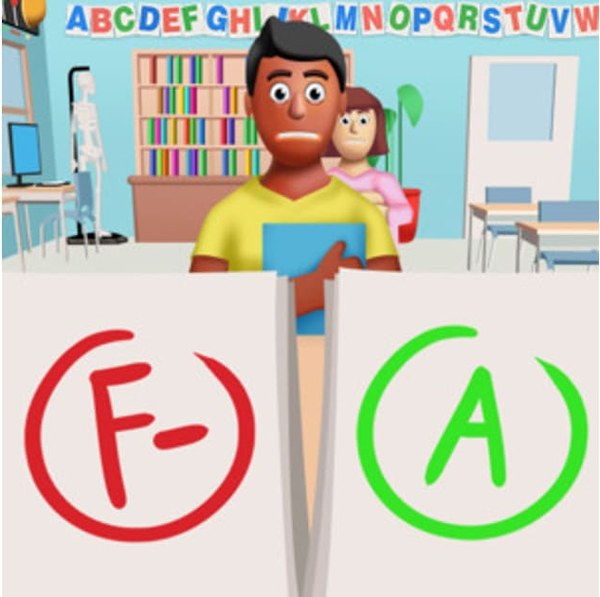
Papers Grade Please is a teacher simulator puzzle game that places you in the role of an educator. Your core objective is to review and grade student papers, each containing a mix of correct and incorrect answers with humorous twists. The game blends logic-based puzzle solving with lighthearted school scenarios, offering a relaxing yet engaging experience. It is designed for players of all ages who enjoy educational content and simulation games.
How to Play
Players typically select a student's paper to review the answers displayed. Using your judgment, you decide whether each answer is correct or wrong, then assign a grade and provide feedback. The interface is simple and tap-based, making it easy to start. As you progress, you may also handle additional classroom tasks such as exam preparation and pencil sharpening, adding variety to the gameplay. Clear on-screen instructions guide you through each step.
Game Features
Features include fun grading puzzles that test your logic and attention to detail. Humorous student answers keep the experience entertaining. The game includes classroom management elements like preparing exams and sharpening pencils. It uses a simple tap interface suitable for all ages. The content is family-friendly with no violence or inappropriate themes. As a 3D puzzle simulation, it combines educational and relaxing gameplay.
Tips for Success
To excel, pay close attention to each answer and use consistent grading criteria. Practice regularly to improve your speed and accuracy. Manage your time wisely when multiple tasks appear. Enjoy the humor and don't rush—taking a moment to read each answer carefully can prevent mistakes. Familiarize yourself with the interface early to navigate smoothly between grading and other classroom duties.
Compatibility:
✅ Works on PC & Mobile | Recommended: Chrome / Safari / Edge