What players say
Kids Supermarket offers a gentle introduction to matching and organization. The tasks are simple enough for young children, yet engaging enough to hold their attention. Cleaning the seafood tank adds a fun twist. The game encourages patience and careful thinking, and the bright, friendly setting makes it a safe option for family play. It has good replay value as each customer brings a new request.
About this game
Game Introduction
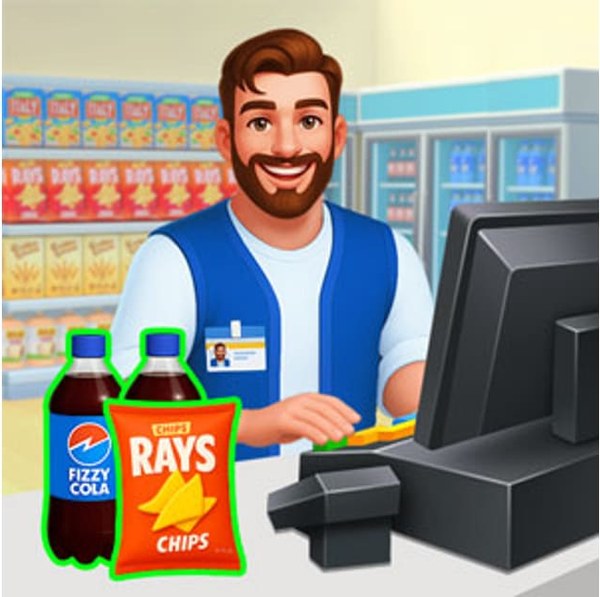
Kids Supermarket is a delightful online matching game that puts you in the role of a friendly shop assistant. Your mission is to help customers by guiding them to the right sections, selecting items they request, packing everything neatly, and keeping the store tidy. You will also work the cash register, scanning items and handling payments. Plus, you will maintain the store by cleaning the seafood tank and other areas. It is a safe, family-friendly game that teaches responsibility and matching skills in a fun, colorful supermarket setting.
How to Play
Start by welcoming customers and listening to their requests. Use your mouse or touch screen to guide them to the correct aisle, then match and select the items they need. Pack the goods carefully and proceed to the cashier to scan each item. Charge the customer and bag their purchases. Do not forget to clean the seafood tank by removing fish, draining water, scraping dirt, and refilling with clean water. Complete all tasks to keep the store running smoothly.
Game Features
Fun matching tasks that improve observation and memory. Customer service activities that teach polite interaction. Store cleaning activities that promote tidiness and hygiene. Colorful graphics and simple controls suitable for young children.
Tips for Success
To succeed in Kids Supermarket, listen carefully to each customer's request to quickly find the correct items. Stay organized by keeping the store tidy as you work, which helps you locate items faster. Practice matching items efficiently to improve your speed and accuracy. Take your time with cleaning tasks to ensure the store stays inviting for customers.
❓ Having issues?
✅ This game supports: - Desktop browsers (Chrome, Edge, Safari) - Mobile browsers (Chrome on Android, Safari on iOS) ❌ Does NOT support: - Internet Explorer - Very old browser versions 👉 Try refreshing or updating your browser