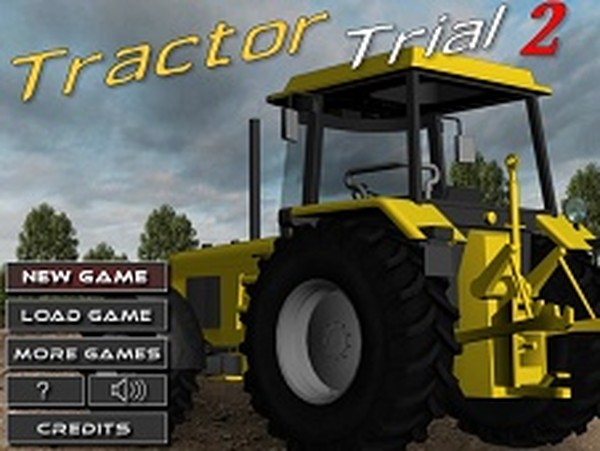
Field Navigator: Precision Farm Vehicle

Field Navigator: Precision Farm Vehicle

3d vehicle simulation

Reviews

Field Navigator turns a simple premise into an engaging test of coordination. The courses are well-designed, with each new stage introducing fresh obstacles that require thoughtful driving. The rating system gives clear goals for replaying, and the restart mechanic keeps every attempt meaningful. It is a solid choice for players who enjoy skill-based challenges without unnecessary complexity.

About this game

Terrain and Course Design

Field Navigator presents a series of outdoor courses, each with its own pattern of slopes, mounds, and rough patches. The landscape changes from one stage to the next, requiring drivers to adapt their approach. Some sections feature steep inclines that test throttle control, while others have sudden dips that demand quick steering corrections. The variety keeps each run fresh and encourages repeated attempts to master the layout.

Vehicle Handling and Balance

Controlling the farm vehicle is straightforward but nuanced. The left and right inputs turn the wheels, while forward and backward controls adjust speed and influence the vehicle's tilt. Maintaining an upright position is the central challenge. Accelerating too quickly on a bump can lift one side, and sharp turns on a slope may cause a roll. Success comes from reading the ground ahead and making smooth, deliberate adjustments.

Rating System and Progression

After finishing a course, players receive a rating based on their completion time. Faster runs earn higher marks, but only if the vehicle stays upright throughout. A single tip forces a restart from the beginning, so speed must be balanced with caution. This system motivates players to learn the optimal path and refine their technique, turning each attempt into a chance to improve.

Learning Through Repetition

The design encourages practice and familiarity. By replaying a course, drivers memorize where the tricky spots are and can plan their speed and steering in advance. The feedback is immediate: either a clean finish with a rating, or a reset that shows exactly where control was lost. This loop makes progress feel earned and keeps the experience engaging without relying on random elements.

Accessibility and Appeal

With simple controls and a clear objective, Field Navigator is easy to pick up for players of any age. The difficulty grows naturally as courses introduce more complex terrain, so beginners can start at a comfortable pace. The focus on precision rather than speed alone makes it a thoughtful choice for anyone who enjoys testing their coordination and patience in a low-pressure setting.

✅ Compatibility & Testing

• Desktop (Windows 11, macOS Ventura)
• Mobile (iPhone 14, Samsung Galaxy S23)
• Tablet (iPad Pro, Android tablet)
✅Supported browsers: Chrome, Safari, Edge, Firefox (latest versions)
❌ Not supported: Internet Explorer, older browser versions

FAQ

Is Field Navigator available on mobile devices?
Field Navigator is designed as a browser-based game that works on desktop computers. Mobile support may vary depending on the platform hosting the game. Check the specific website for device compatibility details.
How many courses are in Field Navigator?
The game includes a set of courses that increase in difficulty. While the exact number may vary by version, players can expect multiple stages with distinct terrain layouts, each offering a new challenge in vehicle control and route planning.
Can I pause the game mid-course?
Field Navigator typically does not include a pause feature during active driving. Players must complete the course in one continuous attempt. This design keeps the focus on steady control and decision-making under pressure.
Does Field Navigator have any in-game purchases?
Field Navigator is generally offered as a free-to-play online game. Some hosting platforms may include optional advertisements, but there are no mandatory purchases required to access all courses or features.
What happens if my vehicle flips on a course?
If the vehicle tips over, the current attempt ends immediately and the course restarts from the beginning. There are no checkpoints, so maintaining balance throughout the entire run is essential for earning a high rating.
Is there a leaderboard or way to compare scores?
Field Navigator focuses on personal improvement through its star rating system. Leaderboards are not a standard feature, so players compete against their own best times rather than against others.

Comments

0 comments
U
User
★ ★ ★ ★ ★
Loading comments...

Similar Products